
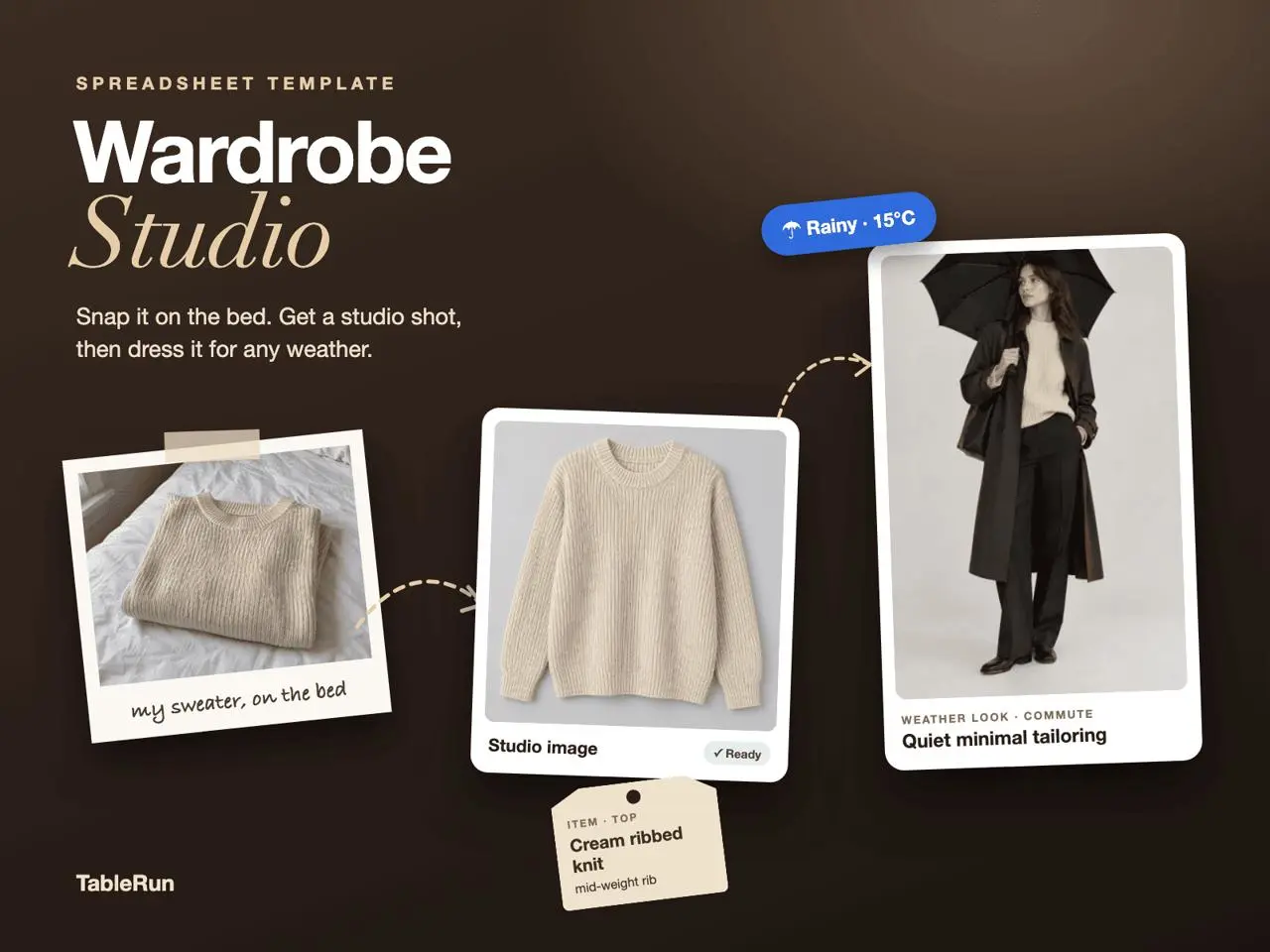
Photograph one garment and list its defining details
Explore the template
Preparing template preview…
In Wardrobe Studio, add the garment photo in Your photo and describe its color, material and visible details. For a ribbed sweater, mention the knit texture and cuff shape. Review the editable prompt before running the image workflow, then compare the Studio image with the original photo.
Change the occasion while keeping the garment
Use Weather Looks to set a weather condition, temperature, occasion and style direction. A knit top might be the starting point for a rainy commute and a mild weekend. Keep the garment description steady while changing the dress code or outer layer to see how the styling decision affects the concept.
Record why a look works
In Outfit Lab, use the concept image, Why it works and rating to keep a short decision record. Judge the result against the conditions you wrote down and verify garment details against the source photo. Treat the image as inspiration when deciding how the outfit will work in practice.
Compare two looks using the same photo
Try the same charcoal overshirt for a rainy commute and a dry weekend. Photograph it in even light and note the collar shape, pocket placement and fabric finish. Enter those details once on Wardrobe Studio. In Weather Looks, keep the overshirt as the starting piece and vary only the occasion, temperature or outerwear. That gives you a pair of concepts where it is easier to see why the combinations differ.
Use Outfit Lab to record a practical distinction for each look. One may work because the coat leaves enough room for the overshirt, while the other might better suit a walk because the hem sits above the hip. Add a short note on shoes or accessories you already own. A concept image is easier to act on when you can name the pieces needed to recreate the silhouette.
Review the garment details before reusing an image
Compare the output with the source photo at the collar, seam and cuffs. If the output replaces the hardware, invents a pocket or shifts the color, describe the change in the prompt and review a new result before relying on that detail. For the weather column, enter the conditions yourself and check the actual forecast before getting dressed.