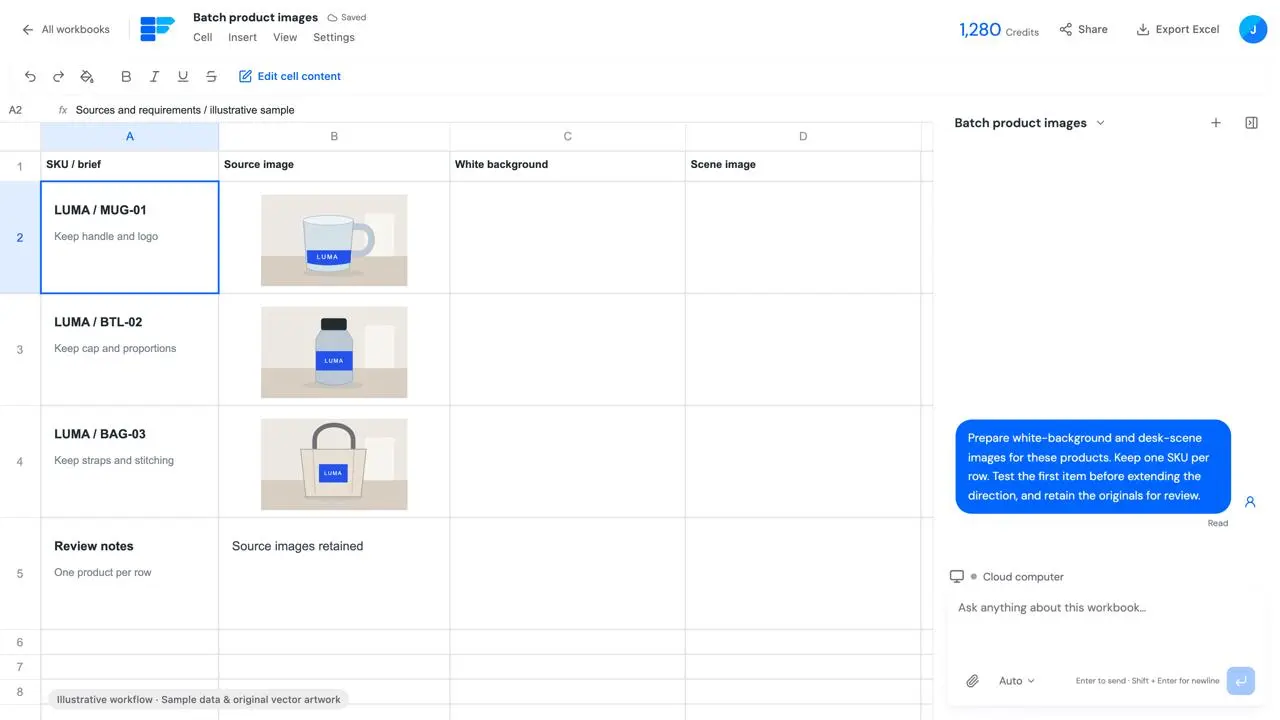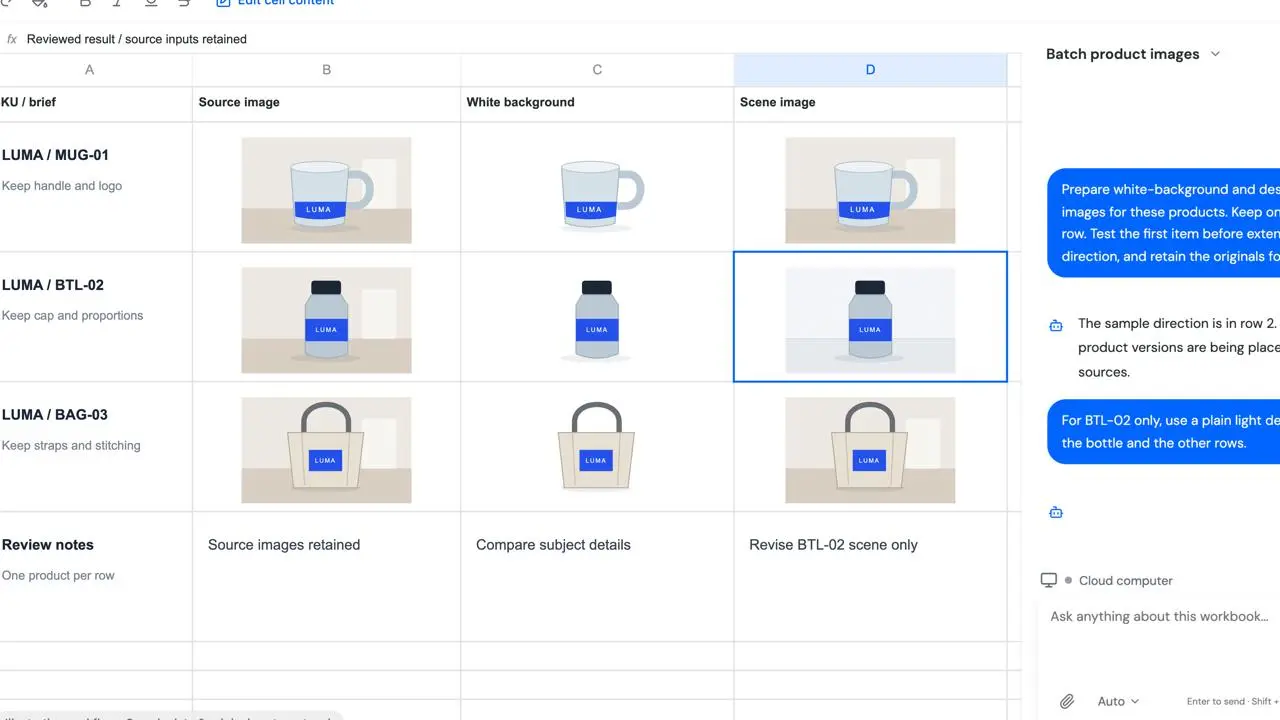
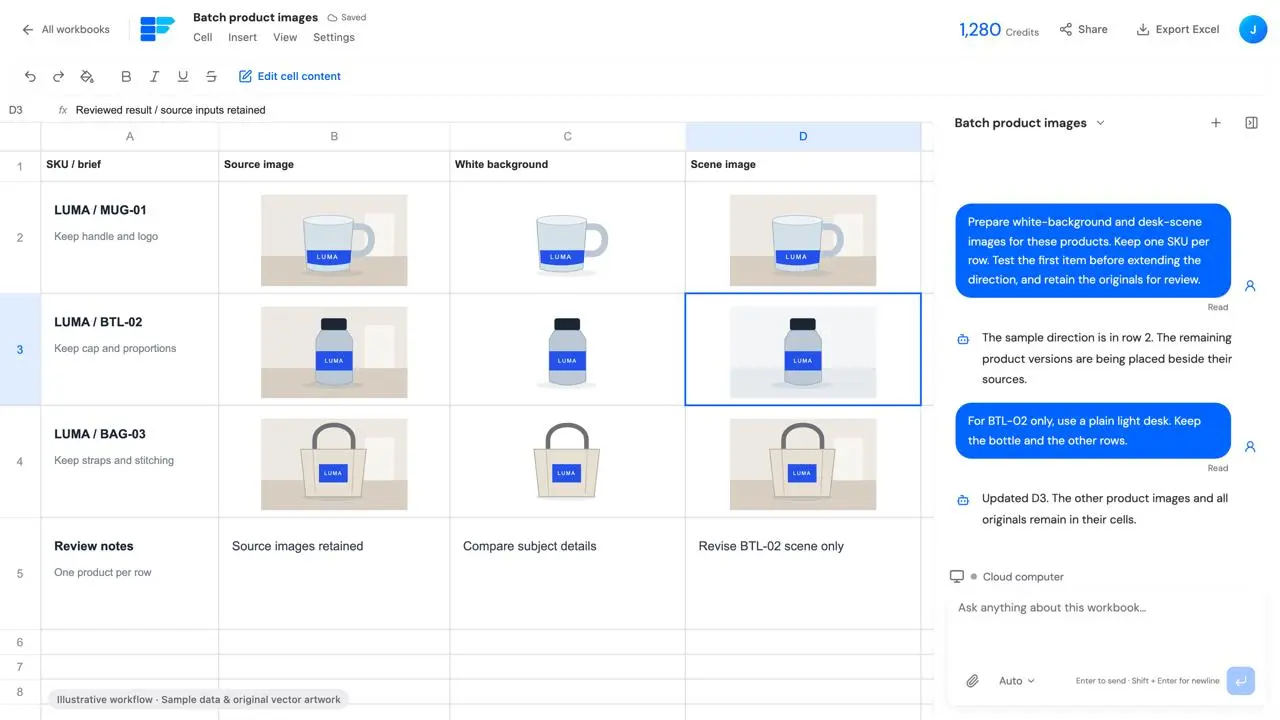
Retain the originals
Keep source images, text or file references beside the processed results for comparison.
Use case
New product photos have different backgrounds and framing. Test one item, then prepare white-background and scene images for the rest, retaining each original and its requirements.
Originals, white-background images, scene images and review notes aligned by SKU.
Start your workPrepare white-background and desk-scene images for these products.
This page focuses on one task: Originals, white-background images, scene images and review notes aligned by SKU.
Product photos, SKU list, background, framing and aspect-ratio requirements.
Keep source images, text or file references beside the processed results for comparison.
Review product identity, packaging and text; visual similarity does not prove detail accuracy.
Product photos, SKU list, background, framing and aspect-ratio requirements.
Prepare white-background and desk-scene images for these products. Keep one SKU per row. Test the first item before extending the direction, and retain the originals for review.New product photos have different backgrounds and framing. Test one item, then prepare white-background and scene images for the rest, retaining each original and its requirements.
Review product identity, packaging and text; visual similarity does not prove detail accuracy.
Originals, white-background images, scene images and review notes aligned by SKU.
Originals, white-background images, scene images and review notes aligned by SKU.
Identify the row, cell or result to change and review that part while retaining the rest.
Review product identity, packaging and text; visual similarity does not prove detail accuracy.
Product photos, SKU list, background, framing and aspect-ratio requirements.
Review product identity, packaging and text; visual similarity does not prove detail accuracy.
Illustrative workflow with fictional data and original vector artwork; not a live customer task, generation result or external action.
This demonstration does not execute a task. Work starts after you submit a request in the workspace, subject to the actual configuration, approval requirements and costs.
Product photos, SKU list, background, framing and aspect-ratio requirements.