
Start with the fixed points in your day
Explore the template
Preparing template preview…
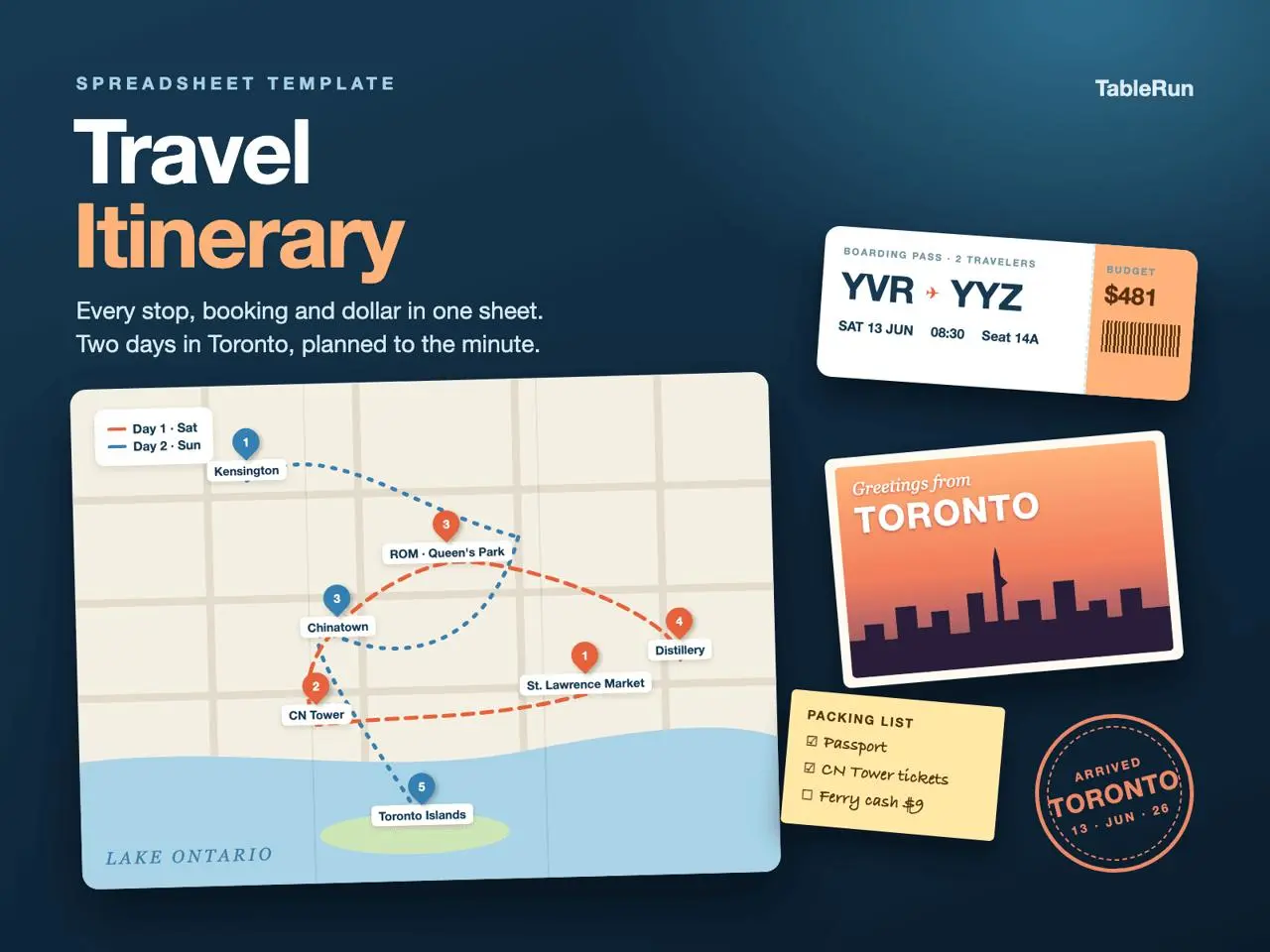
In Itinerary, replace the Toronto dates and sample stops with your own. Enter activities with fixed times first, such as a timed admission or train departure. Use Duration and Notes to leave room for travel or a queue, and keep the booking reference next to the event it belongs to.
Use one currency for estimates
The Budget sheet uses CAD in the sample and has fields for unit cost, quantity and total. Choose one reporting currency if your trip uses several, and record the original amount or conversion assumption in Notes. Check transport and lodging as well as the activities shown on the itinerary.
Assign the tasks someone must finish
On Checklists, give each reservation or preparation task an owner and a due date. For a weekend trip, one person can confirm the hotel while the other checks venue hours. Revisit the list after changing a booking so the daily plan and preparation tasks still agree.
Plan around one fixed reservation
For a two-day trip, start with your least flexible booking. Suppose you have a museum slot at 14:00, want lunch near the hotel and plan to take the train to dinner. Give each stop its own row and put the museum confirmation beside the appointment. Add a travel block before the museum using the same Time and Duration columns. Write an outdoor stop as optional in Notes so you can drop it if lunch runs long without moving the reservation.
On Budget, distinguish a shared expense from one charged per person by setting Qty accordingly. For example, two museum admissions are a quantity of two, while one room for two people may be a quantity of one per booked night. Use Notes for anything already paid or still estimated. Someone reading the summary later should be able to tell which amounts might change.
Do a change-of-plan check
If the museum moves to the second morning, update the activity and transfer rows on Itinerary. Then check whether transport or locker costs shift in Budget, and whether the person handling bookings needs a new checklist item. Keep the original reservation confirmation until the replacement is confirmed. The spreadsheet gives you a place to track these changes alongside the source booking records.