
Start with the budget categories you actually use
Explore the template
Preparing template preview…
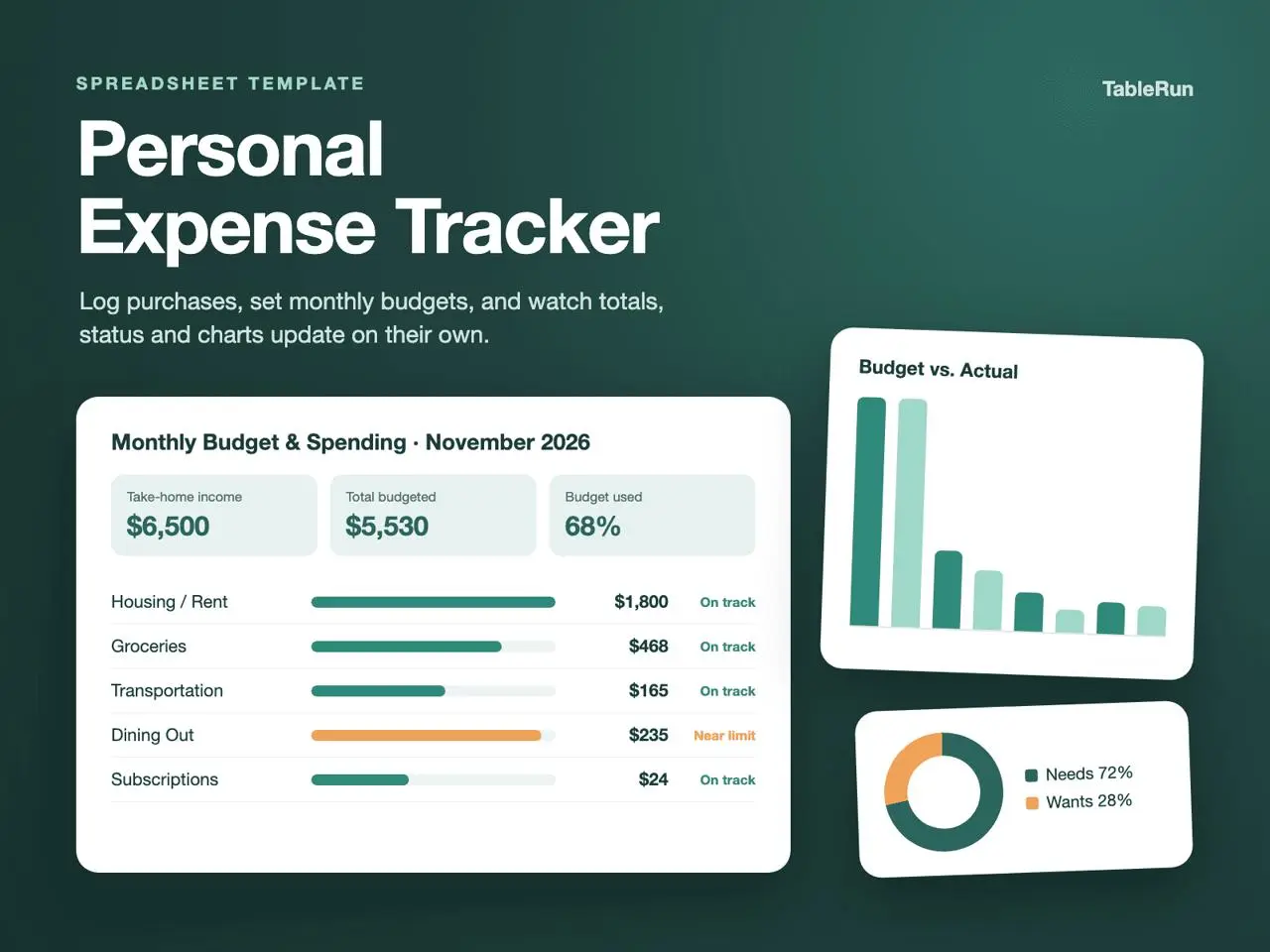
On Summary, replace the sample take-home income and category budgets with your own plan. Keep the category names consistent with what you will enter later. The example uses US dollars, so choose one reporting currency and record any conversions consistently.
Keep the transaction rows consistent
On Transactions, start at row 8 and enter the date, amount and the matching category for each purchase. Fill Payment Method using the labels on Summary if you want that breakdown. At review time, inspect the remaining amount and percent used together so a high percentage has context.
Use a separate copy for the next month
The headings follow the current month, while the totals summarize rows in the workbook. To keep an accurate month-by-month record, retain the finished month and start the new one in a fresh copy. Replace the sample budgets only after deciding what you want the next month’s comparisons to show.
Try a small month-end reconciliation
For a sample month, put 300 in the groceries budget on Summary. Log a grocery purchase for 48 and a second for 32 in Transactions using the exact category name shown in Summary. With no other entries for that category, you should expect 80 of actual spending and 220 remaining. Then add one transport expense and check that the groceries subtotal stays the same. This makes it easy to tell whether your labels match the workbook’s grouping.
Separate “paid” from “budgeted” when reviewing the month. Look at the total on Summary and spot-check a category against the recorded rows. If a card statement includes two similar amounts, compare dates and descriptions before adding a missing row. Use Notes to explain a reimbursement or an unusual transaction so you can recognize it next time you review the file.
Close out the month with a date-stamped copy
Name the finished workbook with the period it represents so the changing header is never your only date reference. Open a new copy for the next month and review the input range before adding new entries. Keep category labels aligned across months if you plan to compare them manually. When you do need a new label, document which old label it replaces.