
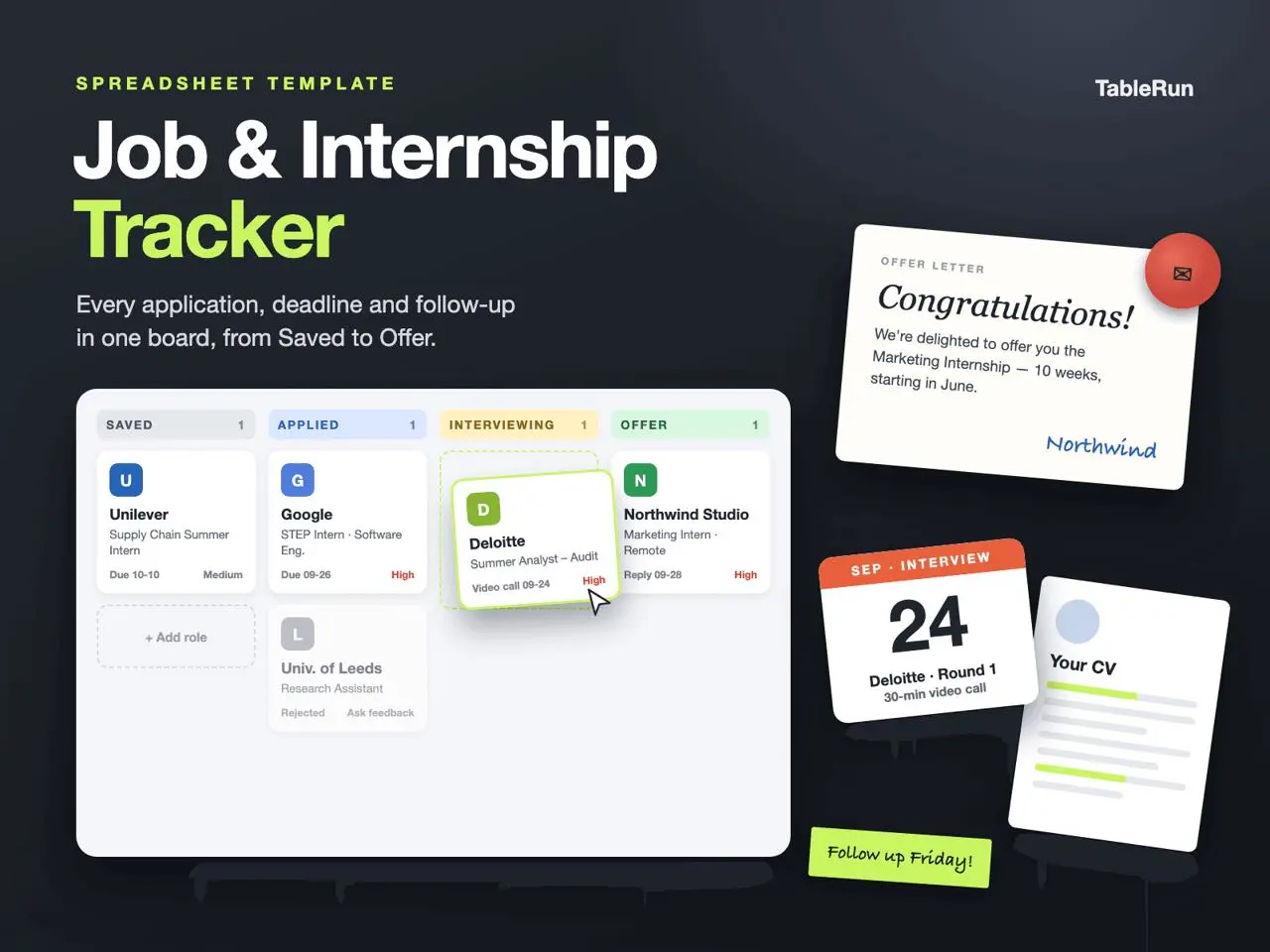
Create one row for each role
Explore the template
Preparing template preview…
Fill in Company, Position, Type and Source as soon as a role is worth tracking. Give two roles at the same employer separate rows so each keeps its own deadline and contact. Add Applied On when the submission goes out and keep Deadline for the employer’s closing date.
Give every active application a next step
Use Status for the current stage and Next Step for a concrete action. A row can say Applied while the next action is to complete an assessment or follow up with a referrer. Set Follow-up On to a date you can act on and use the notes to capture what happened after the action.
Review the pipeline before adding more roles
Start with roles that have a close deadline or a dated follow-up. Then use Pipeline Summary to see where applications are concentrated. If several rows are at the same stage, identify which need action this week so the count turns into a working plan.
Plan a week with three applications
Imagine you have one saved vacancy closing Tuesday, a separate application with an assessment due Friday, and an interview invitation awaiting your reply. For the saved vacancy, use Deadline for Tuesday and put “adapt portfolio examples” in Next Step. On the second row, retain the original application date and put “submit assessment” in Next Step with the action date in Follow-up On. For the interview row, write “confirm one of the offered times” and note the reply once sent.
Use Priority when two actions compete for the same time. Read Deadline and Follow-up On together before moving anything. A lower-priority vacancy with an imminent closing date might still need a decision today. An interview can have a later date but require a reply now, which is why its interview date and response task belong in different parts of the record.
Make the Friday review actionable
Check for active rows without a next action, duplicate rows for the same vacancy and stages that no longer reflect the latest email. Read Pipeline Summary again after fixing those entries. A pile of applications in one stage can help you pick where to spend time, but the counts represent what you entered. Keep the actual message, calendar invite or company portal as the record for official dates.