
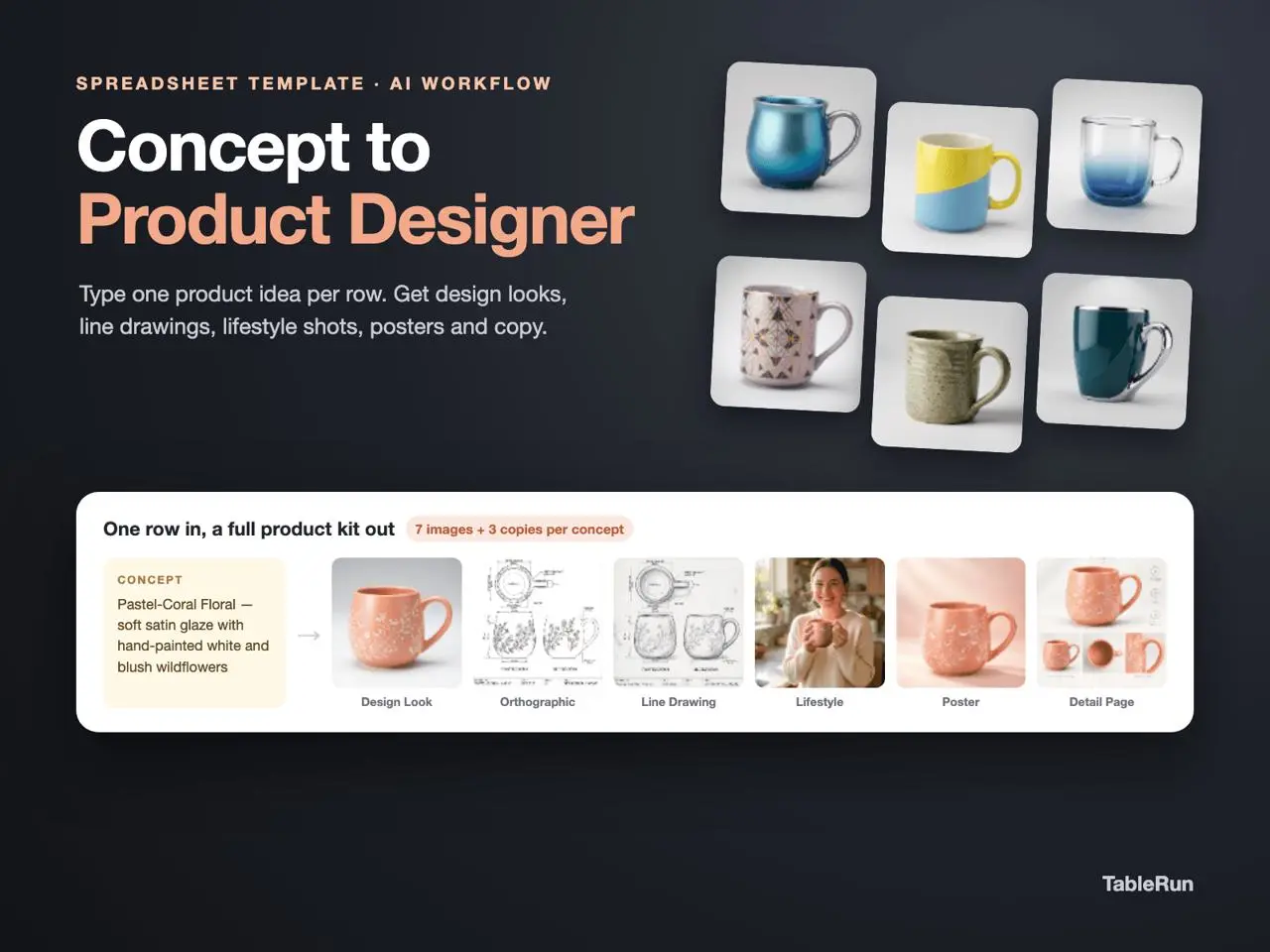
Write one concrete concept per row
Explore the template
Preparing template preview…
In the Concept column, specify the silhouette, finish and one detail that must survive across views. For example, describe a tapered matte ceramic mug with a wide, flat handle and a thin unglazed band near the foot. Keep another material treatment on a separate row.
Review the first design before downstream views
Start with Design Look A and check whether the material and proportions reflect the brief. The template instructions describe a chain from the first design into later visual columns, such as the alternate look and orthographic view. When you revise the brief, review dependent outputs again before using them.
Keep concept review and production decisions distinct
Compare the same view across rows before evaluating lifestyle images, posters or product detail material. Record questions about wall thickness, fit and tolerances for a separate technical review. The generated orthographic image can communicate the design direction while dimensions and manufacturing requirements still need verification.
Run a two-row design comparison
Keep a mug's capacity target and basic proportions constant. In the first Concept row, describe a matte ceramic body with a wide flat handle and a raw clay foot. In the second, keep the dimensions and finish but describe a small loop handle matched to the same body. The comparison has one main variable, so reviewers can talk about grip, silhouette and storage instead of choosing between several unrelated changes at once.
Start with the first design view for each row. If a result invents a lid or changes the material, fix the description and run that first view again before using it downstream. After both first views are consistent enough, compare the alternate or orthographic views. Write down which row and view the reviewer refers to, especially if you will make another pass later.
Keep a record of decisions that survive a rerun
Before generating posters or lifestyle views, note the chosen handle, finish, and any open engineering questions. If multiple outputs disagree on the handle attachment or foot, compare them to the chosen first design and mark the inconsistent views for review. Keep intended dimensions and tolerances in the technical brief. Images are useful for discussing direction while physical fit and manufacture need their own checks.