Retain the originals
Keep source images, text or file references beside the processed results for comparison.
Use case
Starting from prose makes video revisions hard to pinpoint. Organize scripts, frames and revision notes by shot before continuing to video.
Shot scripts, storyboard frames, revision notes and a video candidate.
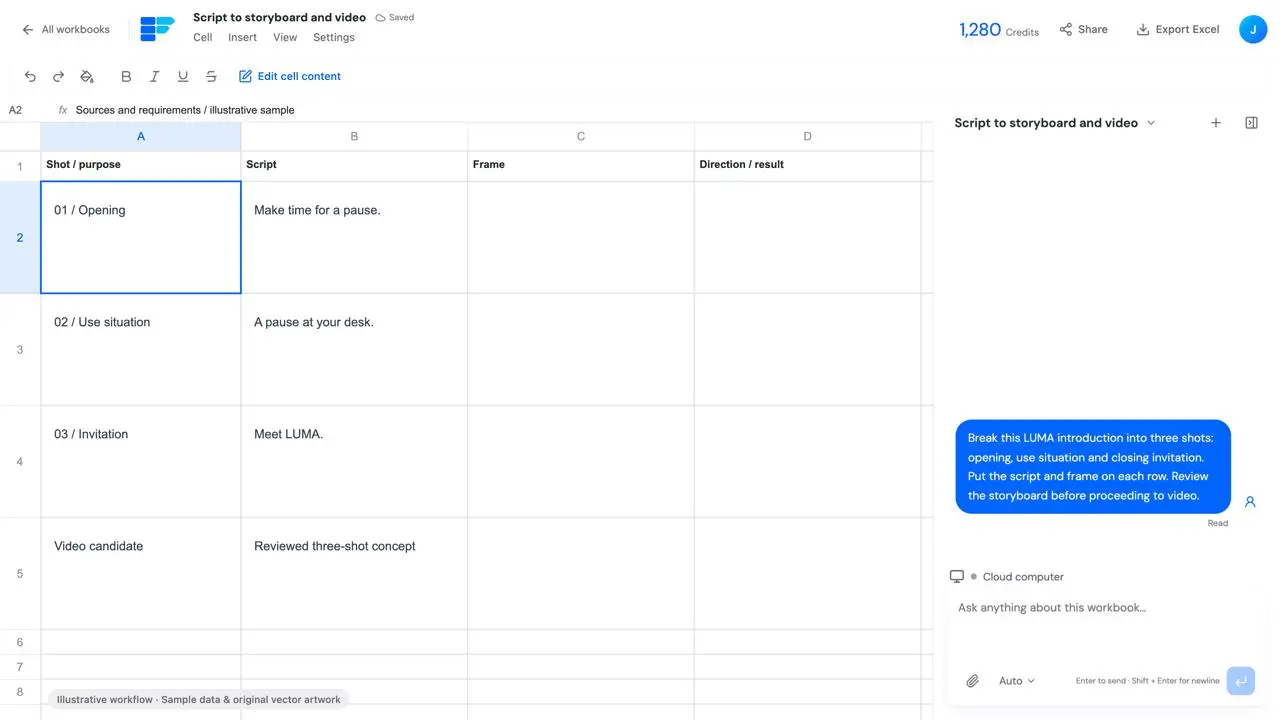
Start your workBreak this LUMA introduction into three shots: opening, use situation and closing invitation.
This page focuses on one task: Shot scripts, storyboard frames, revision notes and a video candidate.
Introduction, reference images, target duration, aspect ratio and required information.
Keep source images, text or file references beside the processed results for comparison.
Distinguish storyboard, generated video and final editing delivery; this example is not a completed live video task.
Introduction, reference images, target duration, aspect ratio and required information.
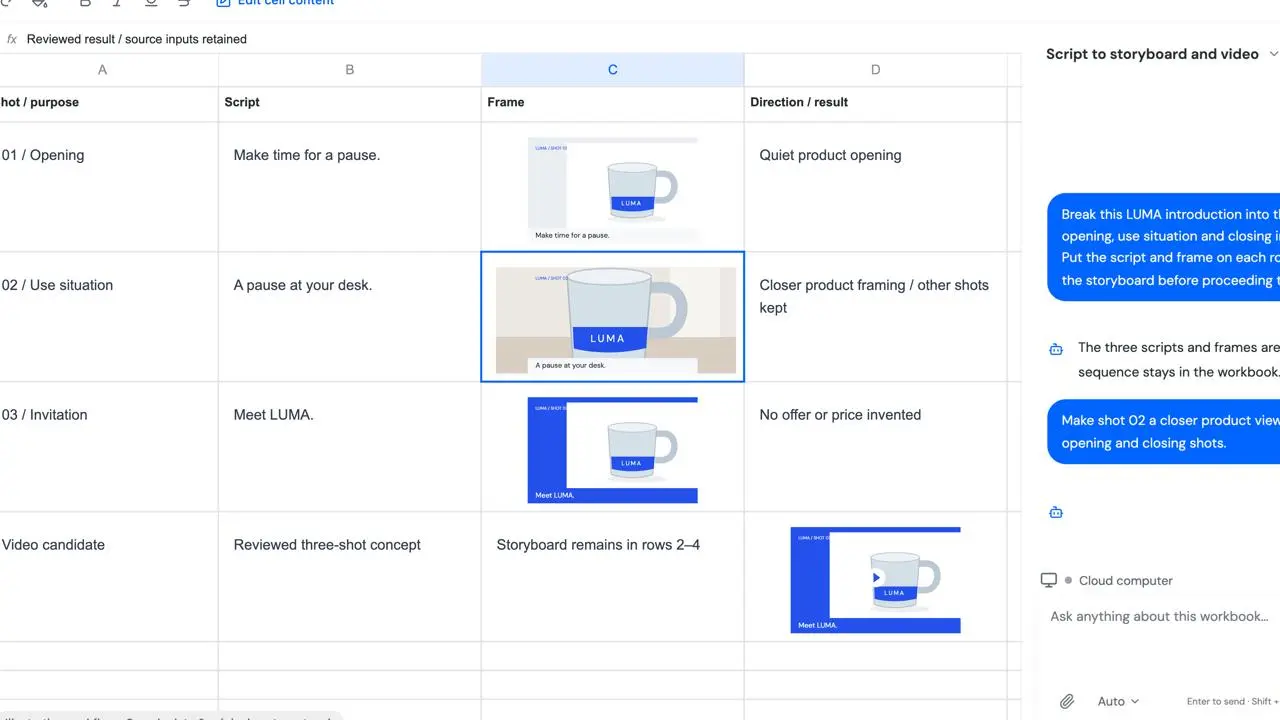
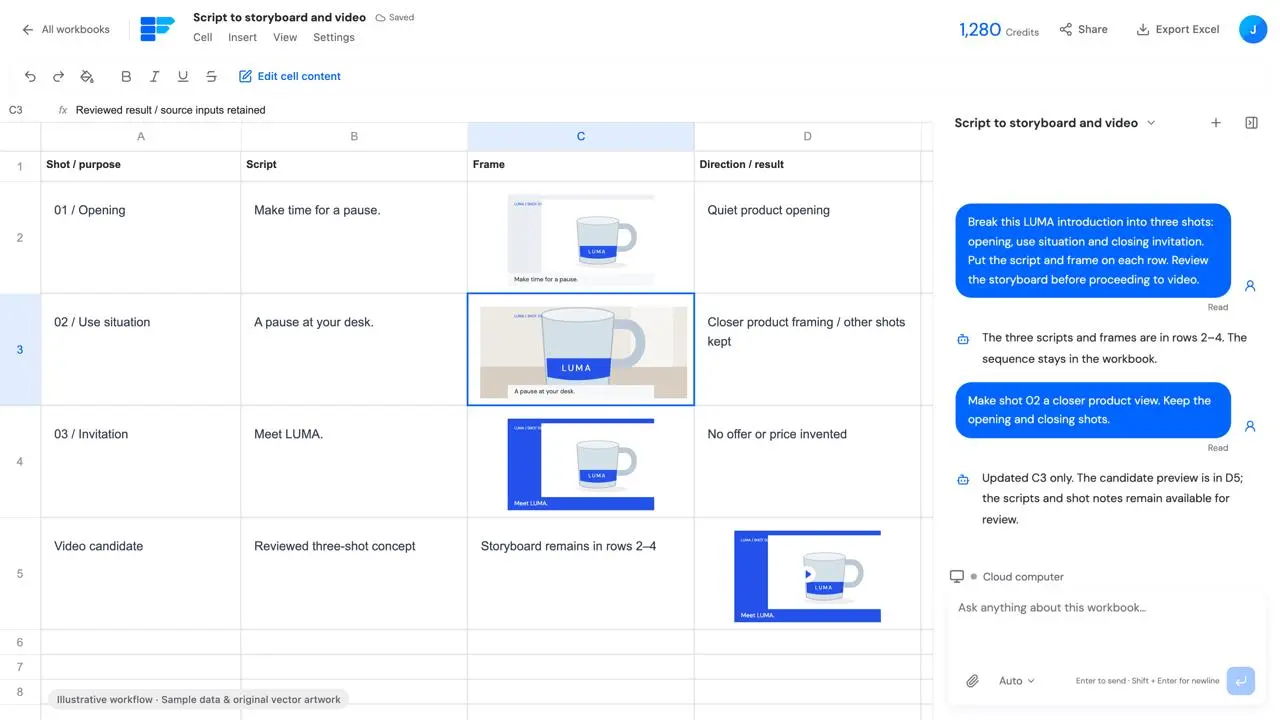
Break this LUMA introduction into three shots: opening, use situation and closing invitation. Put the script and frame on each row. Review the storyboard before proceeding to video.Starting from prose makes video revisions hard to pinpoint. Organize scripts, frames and revision notes by shot before continuing to video.
Distinguish storyboard, generated video and final editing delivery; this example is not a completed live video task.
Shot scripts, storyboard frames, revision notes and a video candidate.
Shot scripts, storyboard frames, revision notes and a video candidate.
Identify the row, cell or result to change and review that part while retaining the rest.
Distinguish storyboard, generated video and final editing delivery; this example is not a completed live video task.
Introduction, reference images, target duration, aspect ratio and required information.
Distinguish storyboard, generated video and final editing delivery; this example is not a completed live video task.
Illustrative workflow with fictional data and original vector artwork; not a live customer task, generation result or external action.
This demonstration does not execute a task. Work starts after you submit a request in the workspace, subject to the actual configuration, approval requirements and costs.
Introduction, reference images, target duration, aspect ratio and required information.